
I’m a big fan of using every bit of software and apps available online if they help speed up your work and if they help to communicate better with your clients.
For me, Pinterest came to replace the traditional mood boards. So for each client, I create a mood board/panel in Pinterest with inspiring images of similar gardens and ambiances as well as materials, colors, plants, garden complements and furniture that I suggest for the clients garden. This works really well because the client can suggest his own images or comment the owns in the panel.
At the same time, I use Pinterest as a library for concepts and ideas. I’ve got a lot of panels divided into subjects like water features, plants, textures, fireplaces, urban gardens, inspirations, shade, zen gardens and much more…
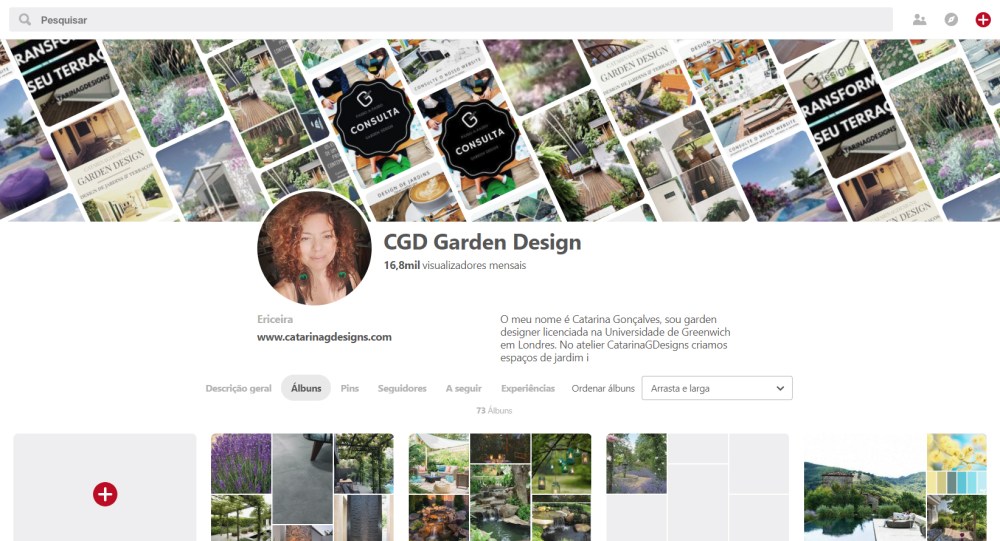
So for each client, I create a panel that I share with them and invite them to participate as well at the same time I share the first rendering images for the garden. Like in the case below the ambiance of the images shared on Pinterest are related with the renderings of the garden.


The name I give to the client panel is CGD (my garden design practice is CatarinaGDesigns) and the clients initials or garden location.
💡TIP OF THE DAY: Pin Pin Pin to your heart’s content, I love Pinterest. It’a great way to curate images that inspire you and will inspire your client. Categorize the panels from the beginning, trust me latter will be much more difficult to organize, and try not to mix a lot of personal things like bags and watchs you like etc..so you create a more professional profile.
❗Subscribe our newsletter so I can let you know when our online course: Rendering a Dream Garden is going to be available as well as other garden design tips!

 Garden Design Tools