
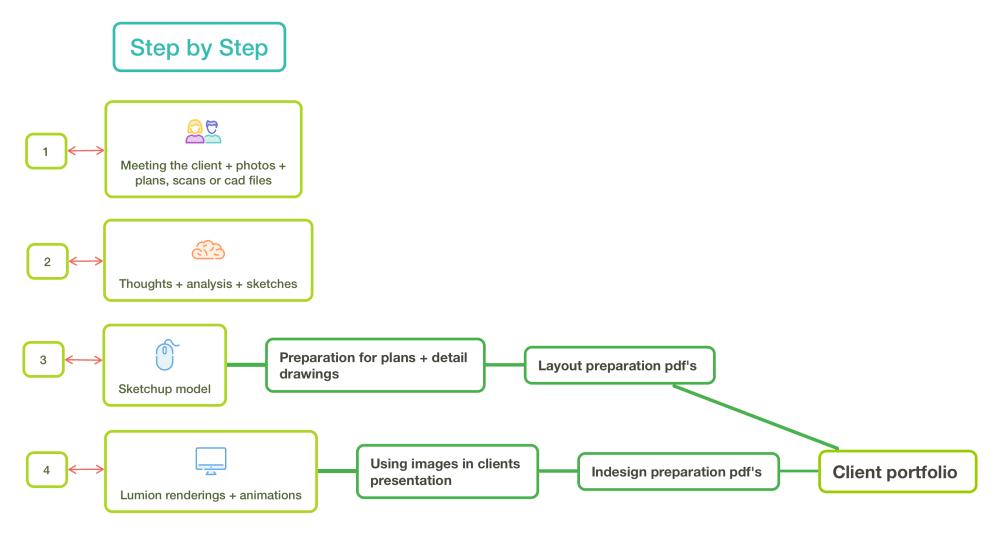
So this is my actual project step-by-step in a project, I just wanted to share this to clarify that renderings do not substitute any step. They had an important step; this is an essential element that, together with the storytelling of your design is going to sell your project to your client.

So let me talk about a real example, in this particular case I didn’t had available any plans of the house but it was very straight forward to take the measurements of the space and build a Sketchup model based on that together with photos and geolocation information. Of course before you think of all the info that the client gave you, their lifestyle how they are going to use the garden and any wanted views to block. In this particular case there was a row of windows, that look into the garden, that were from a neighbour. So it as important to create a visual barrier that at the same time would be interesting to the neighbour as well and did not block the natural sunlight available. Together with the small shed and greenhouse wanted by the client, these two were the main considerations. The garden is an urbanized area with limited direct sunlight trought the day so it was important to use the height of the surrounding buildings to create the shadows that happen in the real world.

From Sketchup I upload the model to Lumion and here the real fun begins, what I do first, every time, is start straight way to populate with the right surfaces materials. Followed by plants, features and accessories.
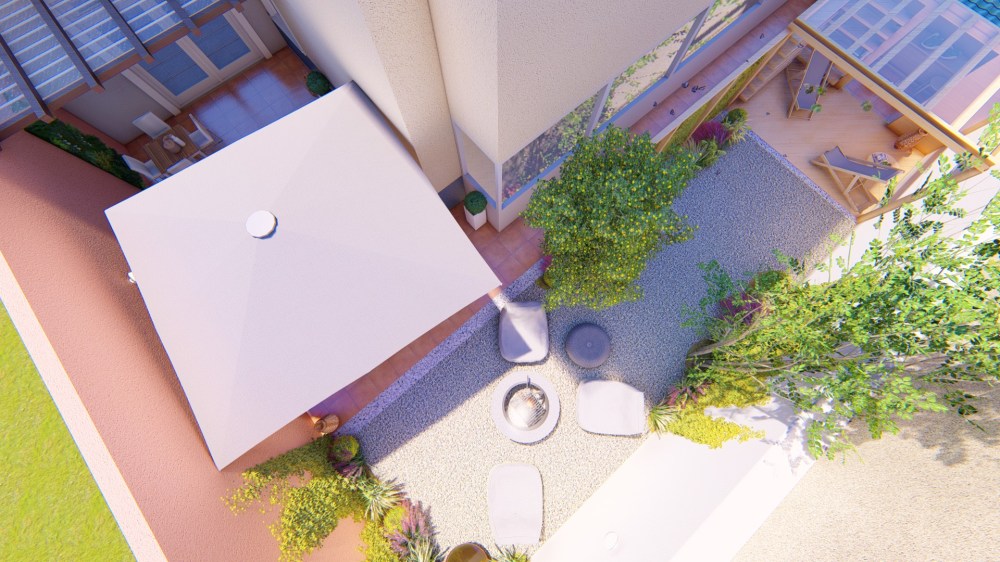
In terms of time spent on the desktop from start to finish, starting in Sketchup and then Lumion, it took me 8 hours in total. Any change the client wants to do is fairly quickly I just have to do the modification in Sketchup and automaticaly with Livesync updates in Lumion. So rapidly you can do another set of images of renderings.
💡TIP OF THE DAY: an animation of the project is included in the project of my clients but I never do from the first images I show to the client. Because animations take a bit of time to process I wait for any modifications or changes from the client than I do a small animation to show the client.
❗Subscribe our newsletter so I can let you know when our online course: Rendering a Dream Garden is going to be available as well as other garden design tips!

 Garden Design Tools