
More and more you need to be present in the social networks as garden designers or landscape architects. And guess what we’ve got a great “material” that we can use, plants, social networks love beautiful things. We love to go to our Instagram feed and see interesting places, gardens, plants, outdoor decoration and other amazing images, they are a great place to show your work and creativity, projects details, videos during build ups etc.

But to produce great graphics, easily and fast, for all the different networks can be time-consuming. In 2015, I found this amazing online app called Canva, that basically helps you create templates for a variety of graphics sizes and destinations. The great thing is that synchronizes with the mobile apps, iOS, and Android, so every you are you’ve got access to your templates. It is an amazing app that is going to help you to produce much more images for your social networks.
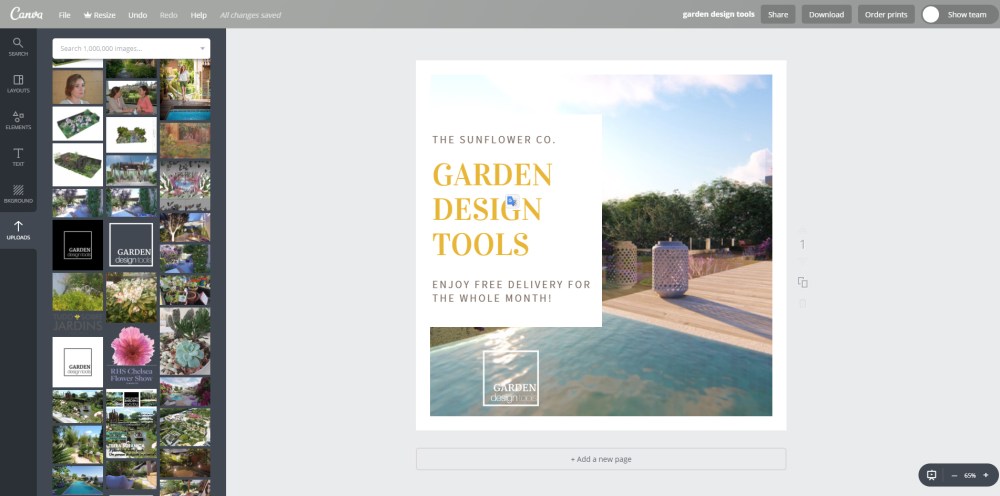
Check out the video where I show you how I use Canva and a little bit of this amazing app.
💡TIP OF THE DAY: Always customize the templates, make them your own and personalize them with your company logo as well. Try to prepare the template in the browser, because writing in the mobile phone can be a bit tricky, so if the template is mostly ready and is just a question of substituting the images is easier. Check ou this app at www.canva.com.
❗Subscribe to our newsletter so I can let you know when our online course: Rendering a Dream Garden is going to be available as well as other garden design tips!

 Garden Design Tools